Blocks are laid out in columns by the client, never by the model. Pan, pinch or ctrl-scroll to zoom, hold space to drag anywhere. KaTeX renders the maths.
Source available · runs on your machine
OpenStudy talks you through any topic while it writes on a zoomable board in handwriting, sketches diagrams, circles what it means, asks you questions and adapts to your answers. You bring the subscriptions and keys. Nothing leaves your computer that you don't send.
claude CLI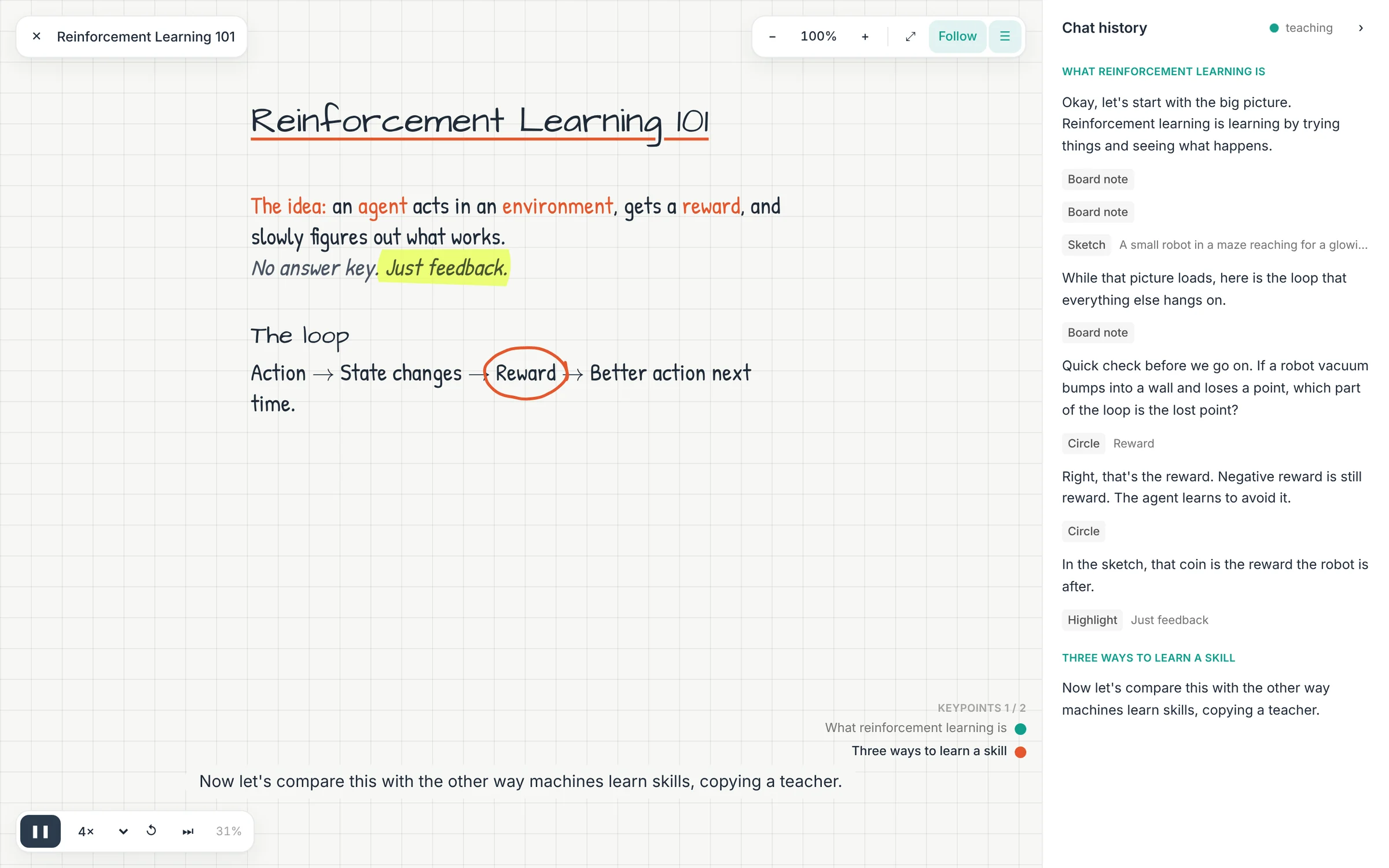
Live demo · no model needed
The tutor doesn't place pixels. It streams a small line protocol, and the board turns each line into handwriting, sketches and pen marks. Press play, or click any line to jump to it.
How it teaches
Every lesson follows the same rhythm a good tutor uses. Click through the steps.
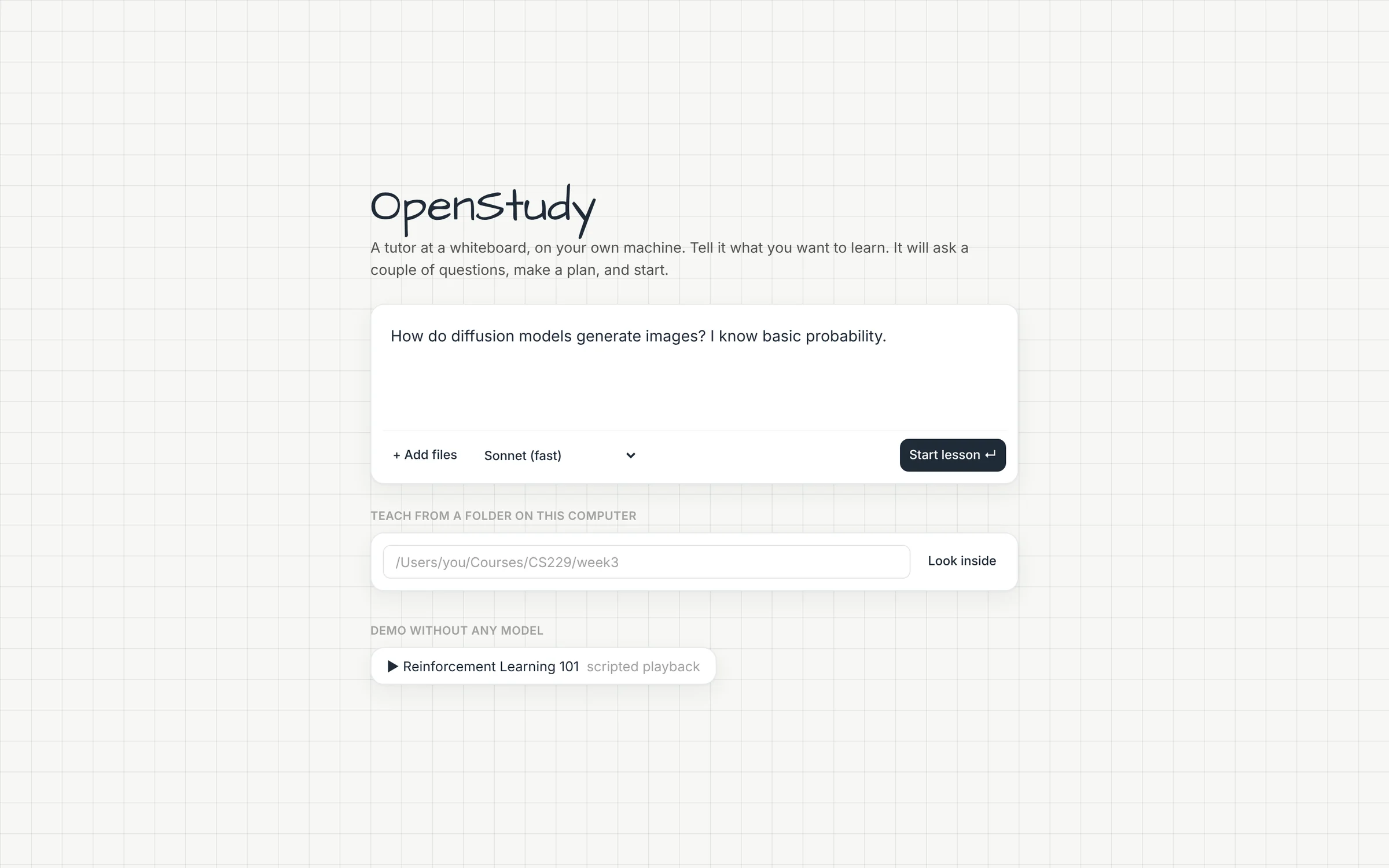
Type a topic, attach notes, or point it at a folder of slides. The tutor greets you, puts a title on the board and asks one or two real questions: what you want to be able to do, and what you already know.
While the intake is still going, a separate planner call on Fable lays out the lesson as keypoints, and generates pictures ahead of time so they're ready when they're needed. The first teaching turn starts on a provisional plan if the real one is still coming.
Keypoints 2 / 4
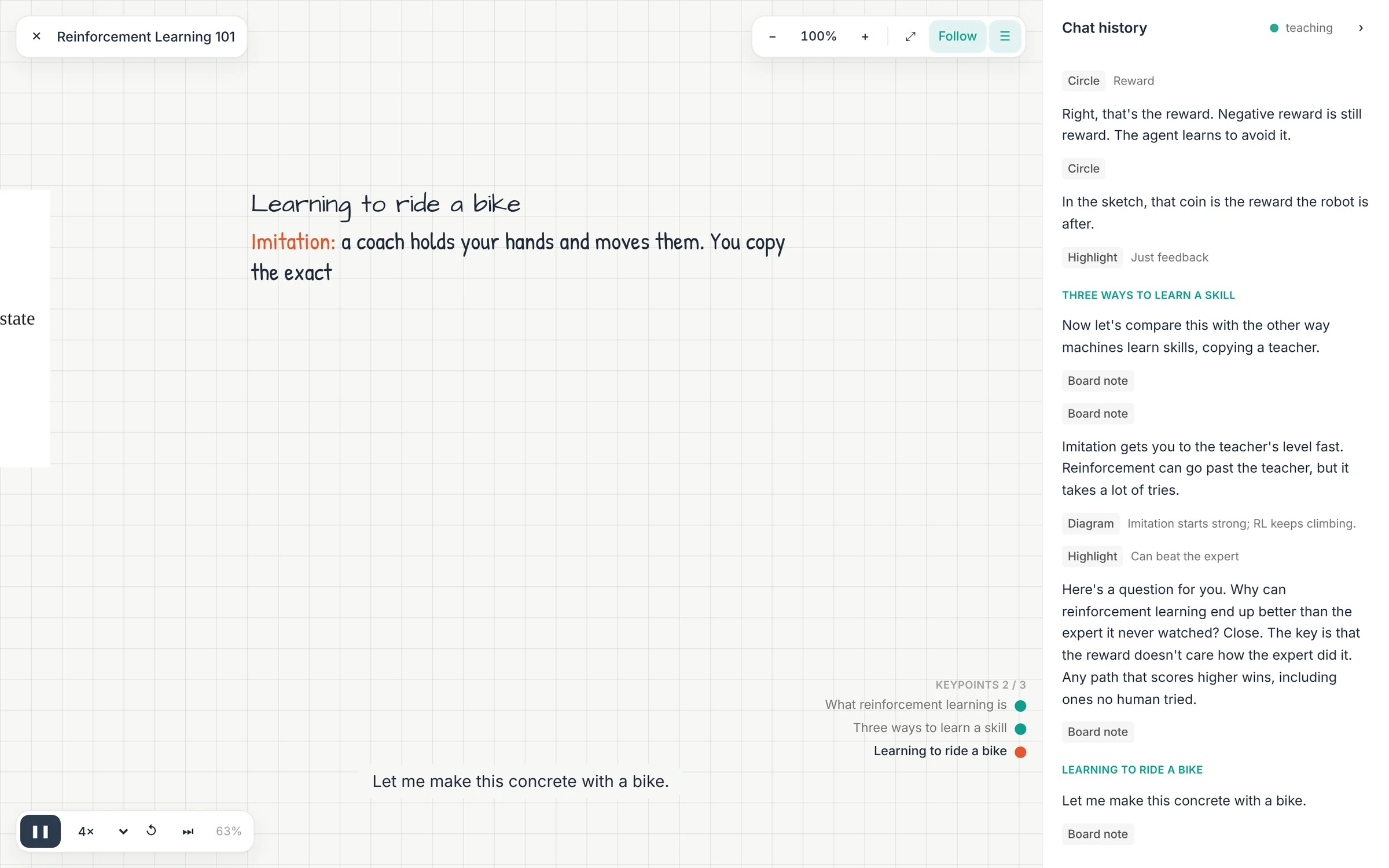
Each turn is a small step: two to five spoken lines and a few board blocks. Text streams onto the board in handwriting as the tutor speaks, diagrams are re-drawn with a hand-sketched look, and it tells you where to look.
At the end of a section the tutor asks a question that tests understanding, never "does that make sense?". It can offer quick choices you click, or you just answer out loud.
If a robot vacuum bumps a wall and loses a point, which part of the loop is the lost point?
Try it, click an answer.
Wrong answer? It goes back with another angle. Breezing through? It skips ahead. Every lesson is saved, so you can reopen a board from the start page tomorrow and keep talking to the same tutor session.
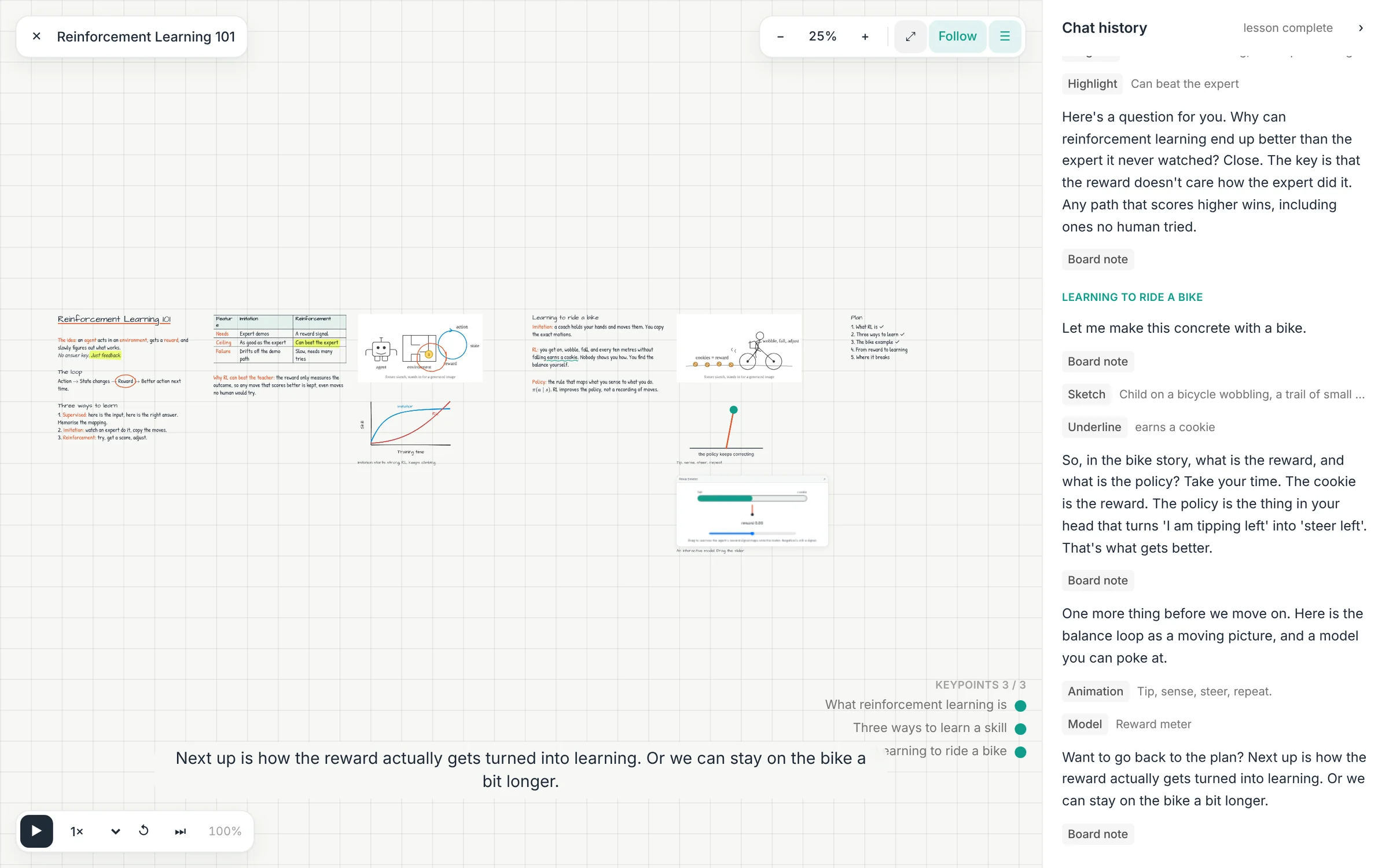
Features
Tap a card to open it up.
Blocks are laid out in columns by the client, never by the model. Pan, pinch or ctrl-scroll to zoom, hold space to drag anywhere. KaTeX renders the maths.

Annotations are measured from text ranges or picture regions, so the circle lands exactly on what the tutor is talking about, even on pictures and pages of your PDFs.
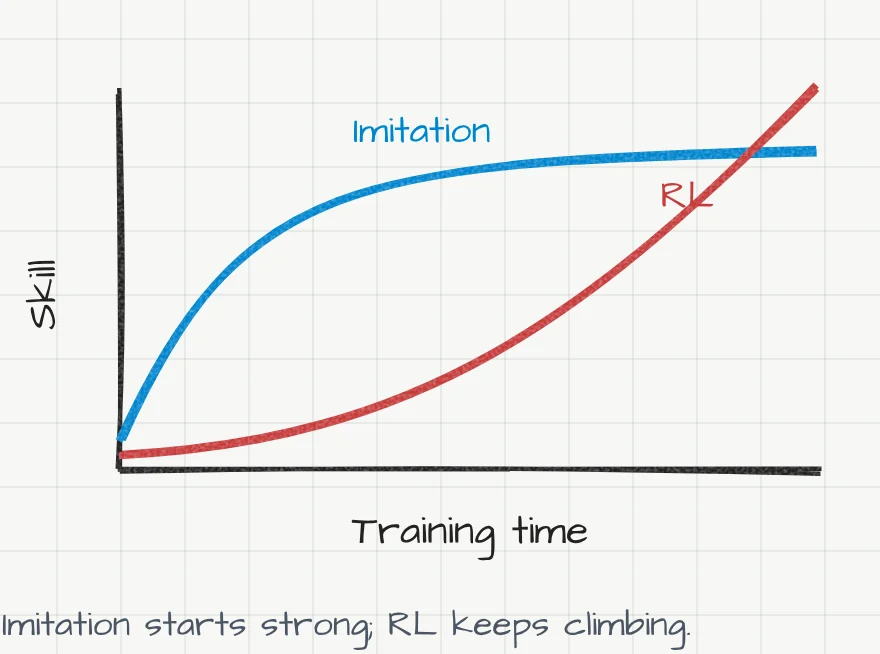
Charts, flows and geometry come out of the model as plain SVG and get the sketchy treatment on the board. No keys required.
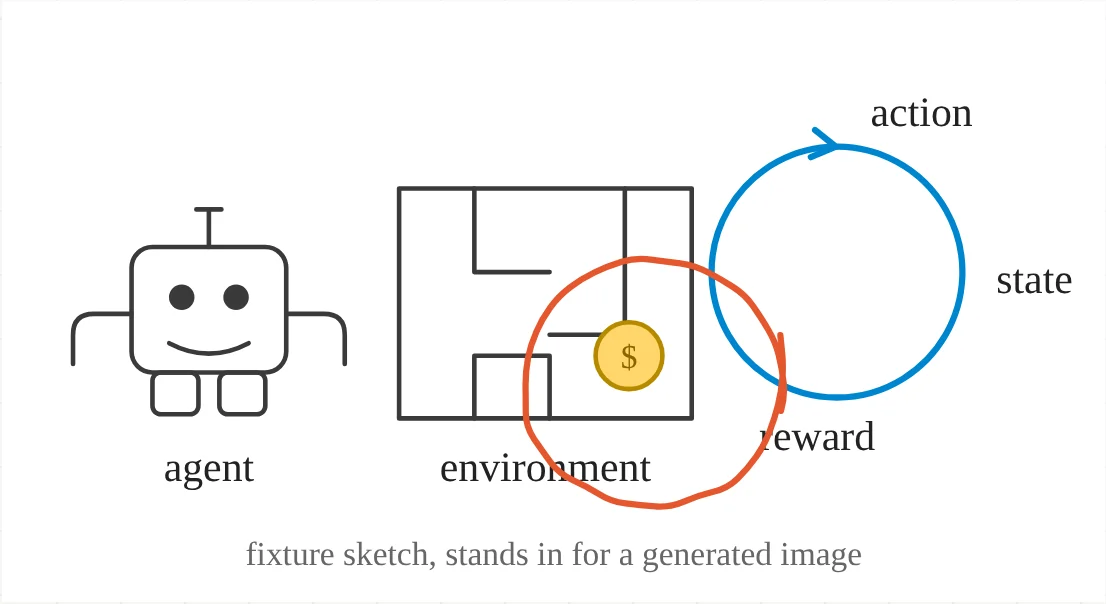
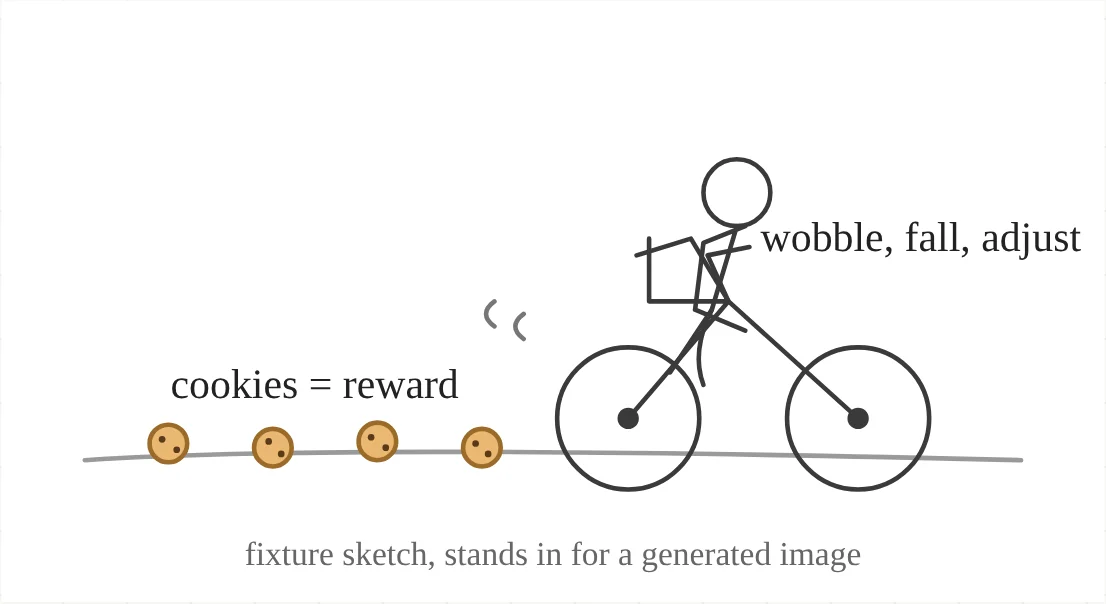
Gemini 2.5 Flash Image by default, or gpt-image-1, or Flux. The tutor always tells you what to look at in a picture and marks it.
With a Deepgram key the tutor speaks with Aura-2 and listens with Nova, streamed through your local tutor server so audio starts in a few hundred milliseconds. Without one, the browser's own speech is used. The board keeps step with the voice either way.
Pages come onto the board as pictures with word boxes from the PDF text layer, or from local OCR (tesseract, no network) for scans and screenshots. The tutor marks on your actual words.
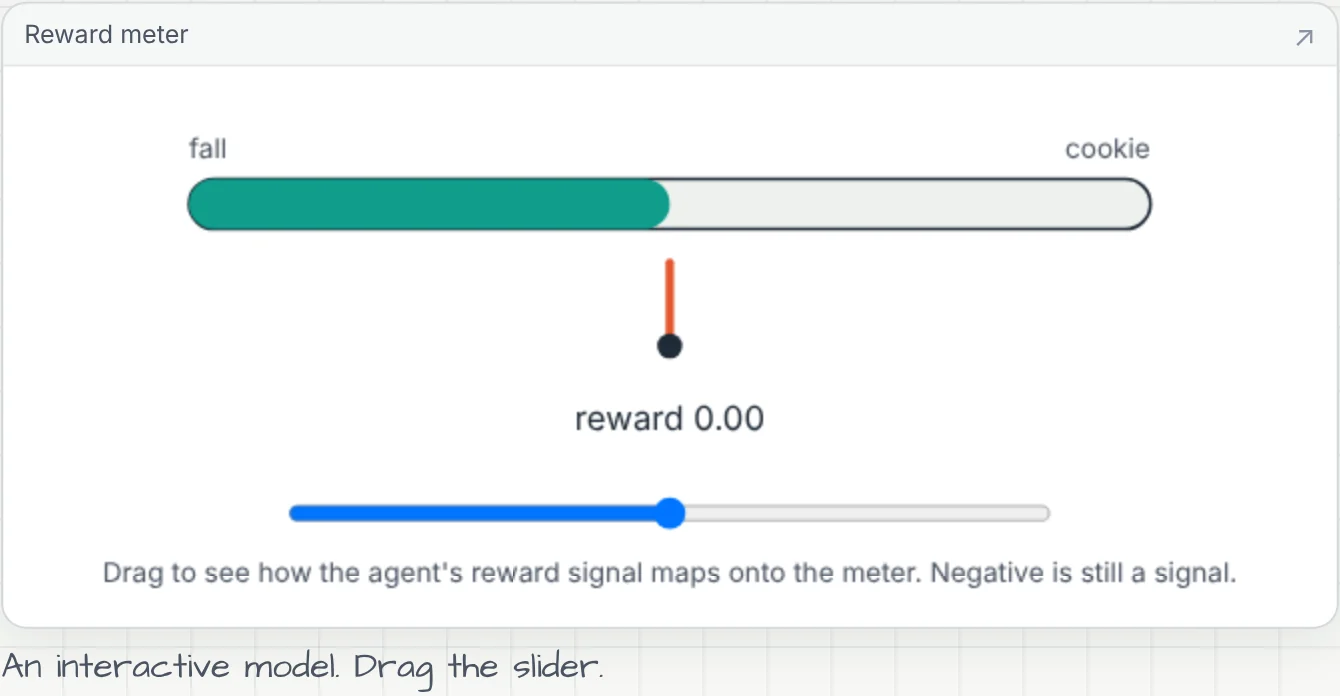
A figure library built with the Anatomy skill, shown in sandboxed frames. Animated @motion diagrams for movement, and @build_figure jobs that build a brand new model in the background.
Boards live in a local SQLite file. Reopen one from the start page and pick up the conversation where you left it, or print it and keep the notes.
Screenshots
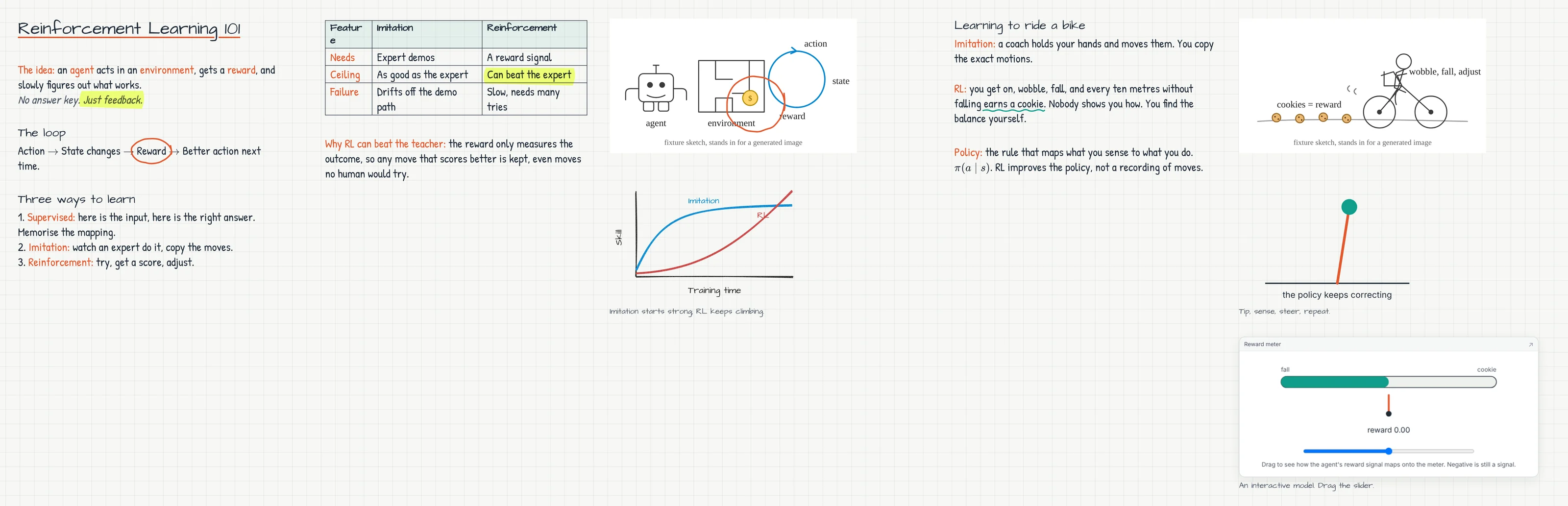
Real captures from the scripted demo lesson. Click any image to view it full size.
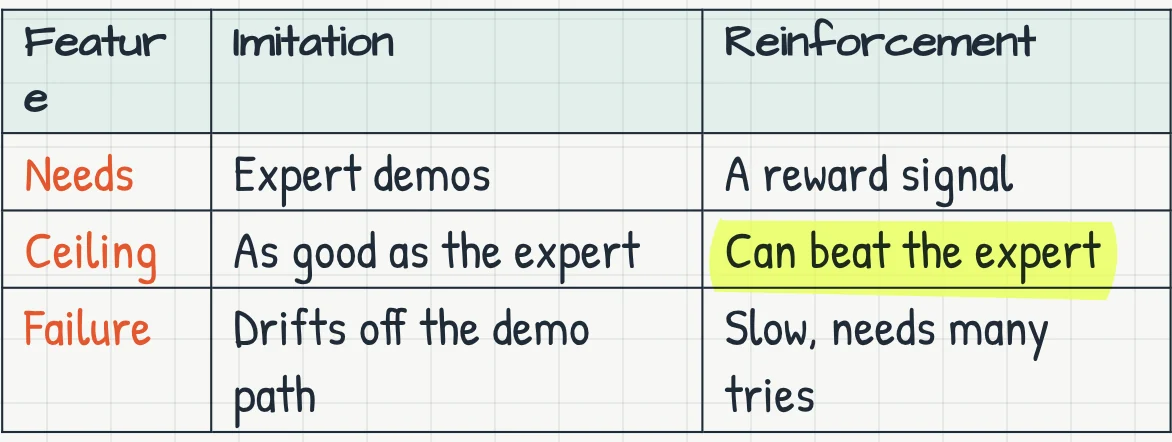
The finished RL 101 board, at full size. Drag, swipe or use the buttons.
 ✋ drag me
Setup
Only the claude CLI is required; the tutor and planner bill to the Claude plan you're logged in with.
Everything else is optional. Pick what you want and copy your .env.
Install Node 22, pnpm and the claude CLI. Run claude once and sign in.
git clone https://github.com/delsqrdpsi/openstudy && cd openstudy && pnpm installcp .env.example .env && pnpm devWeb on localhost:3000, tutor server on :8787.
Under the hood
Next.js. Blocks, column layout, pan and zoom, handwriting, rough.js sketches, annotations, voice.
Websocket sessions, the claude CLI headless per turn, the planner, image and voice adapters. Holds your keys.
Block schema, lesson events, the streaming protocol parser, the board reducer and layout.
FAQ
No. The scripted demo lesson on the start page runs with no model at all. For live lessons you need the claude CLI signed in to your Claude plan; the tutor and planner bill there, not to an API key.
The Claude plan covers the tutor. A generated picture is about a cent or two, and an hour of Deepgram voice is under a dollar. A small ring at the top of each lesson shows the running cost live.
Keys stay in .env on your machine. The browser only talks to your local tutor server, which calls the providers you've configured. Boards, generated images and prepared pages are stored locally under ./data.
Any modern browser for the board. With a Deepgram key, voice works everywhere too. Without one, the microphone falls back to the browser's speech recognition, which needs Chrome or Edge.
Yes. Point it at a folder: PDFs, decks (pptx, odp, key, converted with LibreOffice when installed), images and text. Pages land on the board and the tutor annotates your actual words.
OpenStudy is source-available under the PolyForm Noncommercial License 1.0.0: free for personal study, research, hobby projects, teaching, charities, schools and public institutions. For a commercial licence, contact @delsqrdpsi.
Clone it, sign in, ask. The board is waiting.